

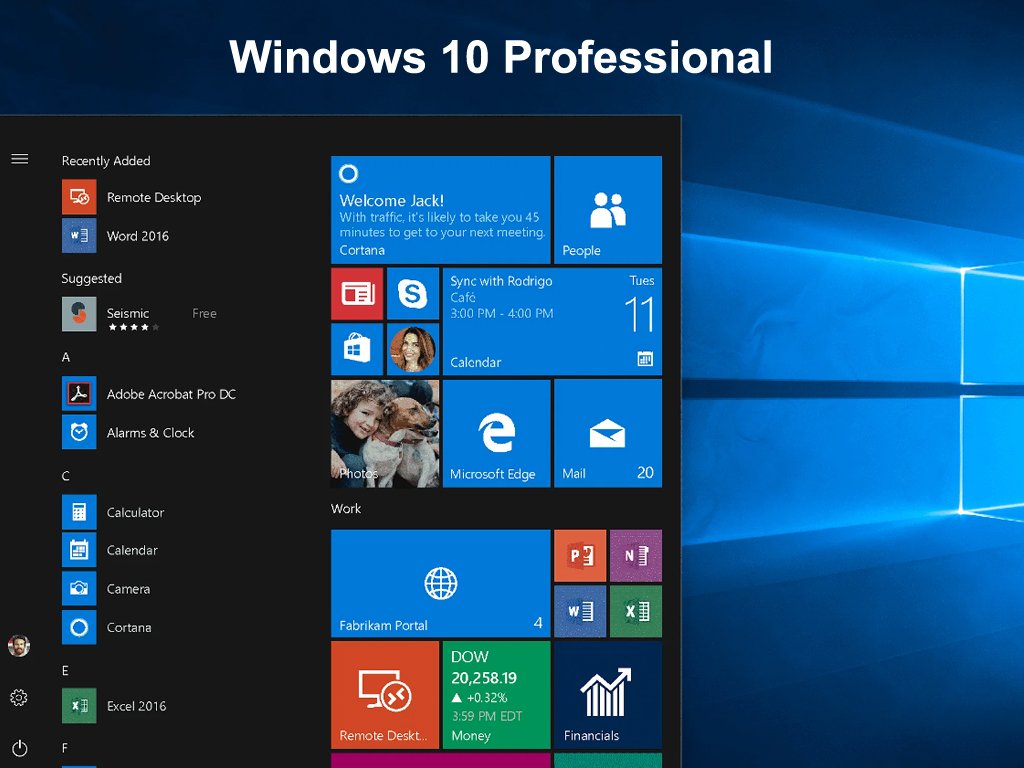
Windows 10 is the latest operating system (OS) from Microsoft, and it has been widely adopted by both individuals and businesses. The Professional edition of Windows 10 is designed for advanced users who require additional features and security capabilities. If you want to upgrade your computer to Windows 10 Professional, you will need to purchase a license key. In this blog post, we will discuss everything you need to know about Windows 10 Professional license keys.
What is a Windows 10 Professional license key? A license key is a unique code that allows you to activate and use the full version of Windows 10 Professional on your computer. It is a string of 25 alphanumeric characters, separated by hyphens, that is usually printed on a sticker or included in an email after purchasing the license from Microsoft or an authorized reseller.
Why do you need a Windows 10 Professional license key?
Without a license key, you will only be able to use Windows 10 Professional in trial mode, which means you will have limited functionality and frequent reminders to activate the product. Activating your Windows 10 Professional license key will allow you to unlock all the features of the operating system, receive security updates, and get access to Microsoft support.

How to purchase a Windows 10 Professional license key? You can purchase a Windows 10 Professional license key directly from Microsoft through their online store or from an authorized reseller. The cost of a license key varies depending on your location and the reseller, but it usually ranges from $139 to $199.
You can also purchase a license key for multiple computers, which may come at a discounted price. It is important to only purchase a license key from a reputable source to avoid purchasing counterfeit or invalid keys. These keys may not work, or they may be revoked by Microsoft, which could cause issues with your computer.
How to activate a Windows 10 Professional license key? Once you have purchased a Windows 10 Professional license key, you can activate it by following these steps: Go to Settings > Update & Security > Activation on your computer. Click on Change product key. Enter your license key and click Next. Follow the prompts to complete the activation process. If you encounter any issues activating your license key, you can contact DigitalKeyWorld support team for assistance.