
Software license keys are easy to sell and hard to judge from the outside. Two sellers can list the same product at very different prices, and the cheaper one is not always a bargain. This checklist keeps the decision simple: seven things to confirm before you pay, the red flags that should stop you, and what to do once you have bought.
Buying Guides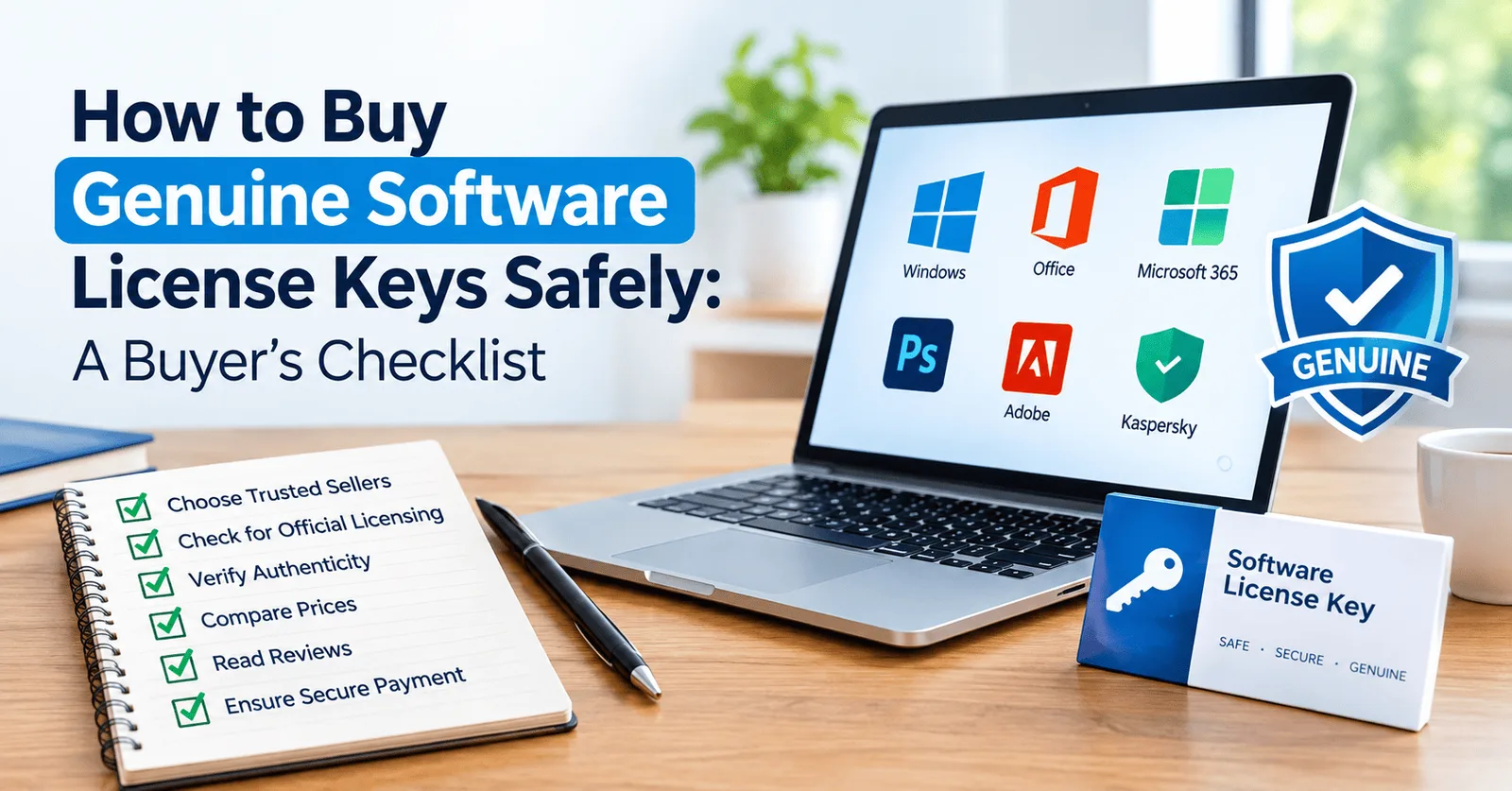
How to Buy Genuine Software License Keys Safely: A Buyer's Checklist
A practical checklist for buying Windows, Office and server license keys online: what to look for, which red flags to avoid and what to keep after you pay.
Written by Sujeet Kumar, with 12 years of experience at DigitalKeyWorld.
Direct Answer
Buy from a seller that names the exact license type, explains delivery and activation, publishes a clear refund policy and takes payment through a trusted processor. If any of those is missing, or the price looks too good to be true, walk away.
The seven-point checklist
- The license type is stated. Retail, OEM, volume (MAK) or bind: the product page should say which one you are getting, because each comes with different rights. If you are unsure what they mean, read Retail, OEM, Volume and Bind Licenses Explained.
- The product is named precisely. Edition, version and the number of PCs (or users) it covers. "Windows key" is not a product; "Windows 11 Pro, 1 PC" is.
- Delivery is explained. You should know how and roughly when the key arrives. Digital delivery by email is normal; a seller that cannot say when you will receive it is a warning sign.
- Activation help is included. Good sellers send the download link and the activation steps with the key and tell you how to reach support.
- There is a written policy. Look for a refund or replacement policy you can read before paying. Ours is on the refund policy page.
- Payment is handled by a trusted processor. Paying through PayPal or a card processor protects your card details and gives you a dispute route if something goes wrong.
- There is a real way to reach a person. A working contact page, an email address and a business name beat an anonymous storefront every time.
Red flags
- A price far below what every other seller charges, with no explanation of the license type.
- No refund, replacement or support information anywhere on the site.
- Pressure tactics: countdown timers that reset, "only 2 left" on a digital product.
- Payment requests by bank transfer, gift cards or cryptocurrency only.
- Keys offered as a "lifetime subscription" or a "cloud account" without saying what that means.
After you buy
- Keep the email. It holds your key and the activation steps. Your key should also be available in your account.
- Activate soon. Do not leave a key unused for months; if there is a problem, you want to find out while the seller's policy window is open.
- Write down the order number and the exact error text if anything fails. It makes support much faster.
How we apply this
DigitalKeyWorld is an independent reseller. Every product page states the license type and what it covers, keys are delivered by email with activation steps, and you can read how it all works on the how it works and delivery information pages. Payment goes through PayPal, which also accepts major debit and credit cards. If anything does not activate, contact support with your order number and we will replace the key or refund you, as set out in the refund policy.
Ready to look? Start from the shop or jump straight to Windows, Office, Windows Server or SQL Server.
Frequently asked questions
How do I know a license key is genuine?
You cannot tell from the key itself. Judge the seller instead: a named license type, clear delivery and activation steps, a written refund or replacement policy and a secure payment method are the signs of a seller that stands behind what it sells.
What should I do right after buying?
Keep the order email, activate the software promptly and note your order number. If activation fails, contact the seller straight away with the exact error message.
Pro Tip
Screenshot the product page before you pay. The license type, edition and number of PCs shown there are what you are entitled to, and they are the first thing support will ask about.
Stay Updated
Get the latest tips, guides and exclusive offers straight to your inbox.