
Microsoft's range can look like one big catalogue, but it breaks down into four clear jobs. Start with what you need to do, and the right product follows.
Buying Guides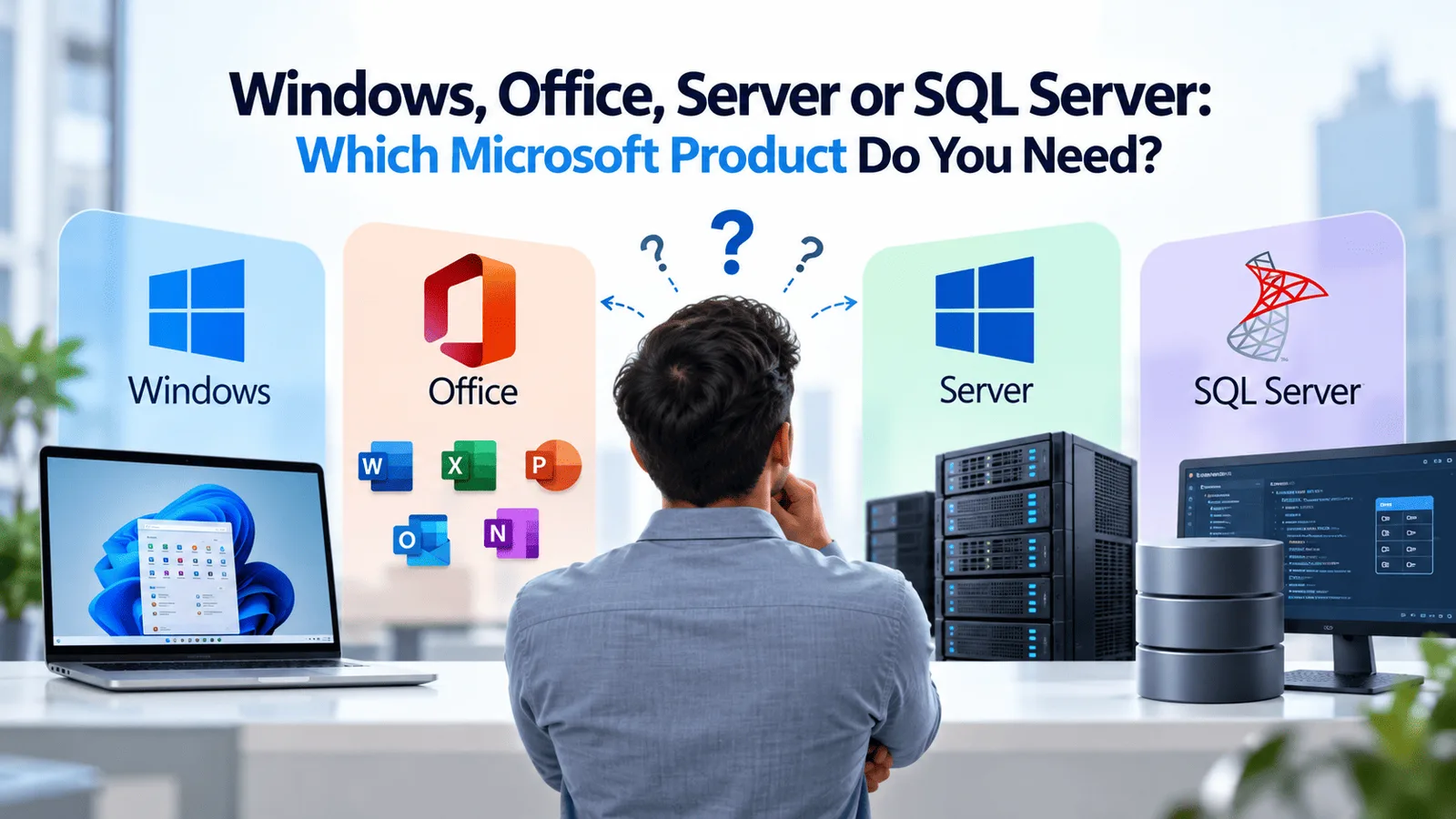
Windows, Office, Server or SQL Server: Which Microsoft Product Do You Need?
A plain-language guide to matching the job to the product: the operating system on your PC, the apps you work in, the server in the cupboard and the database behind your software.
Written by Sujeet Kumar, with 12 years of experience at DigitalKeyWorld.
Direct Answer
Windows runs the PC, Office is the apps you work in, Windows Server runs shared services for users and applications, and SQL Server stores and serves databases. Most people need only the first two; businesses add the others as they grow.
Windows: the operating system on your PC
Every computer needs an operating system. Windows comes in editions: Home for everyday use, Pro for work (BitLocker drive encryption, Hyper-V, Remote Desktop host, domain join) and Enterprise for managed fleets. Windows 11 is the current release and needs a PC with TPM 2.0 and UEFI Secure Boot; Windows 10 standard support ended on 14 October 2025, so it is a choice mainly for older hardware. Browse Windows license keys.
Office: the apps you work in
Word, Excel, PowerPoint and, in some editions, Outlook, Access and Publisher. You can buy Office as a one-time purchase for a PC or Mac, or subscribe to Microsoft 365. Home & Student editions are for personal use; Home & Business and Professional Plus cover commercial use. See the Office & Productivity range.
SQL Server: the database behind your software
Many business applications keep their data in a database. SQL Server is Microsoft's database engine, licensed either per core or per server plus client access licenses. Your application vendor will usually tell you which version it supports. See SQL Server.
A quick way to decide
| You want to... | You need |
|---|---|
| Set up or reactivate a PC | Windows (Home or Pro) |
| Write documents and spreadsheets | Office or Microsoft 365 |
| Share files, run remote desktops or virtual machines | Windows Server (plus the access licenses it requires) |
| Run an application that stores data in a database | SQL Server (as your application requires) |
Not sure which edition fits? Ask us: tell us what you are setting up and how many people use it, and we will point you to the right product.
Frequently asked questions
Do I need Windows Server for a small office?
Usually not. Windows Server is for shared services such as file servers, remote desktops and directory services. A small team that only needs shared files can often manage with ordinary PCs; talk to us if you are unsure.
Is Office included with Windows?
No. Windows is the operating system; Office is a separate product that you license on its own.
Pro Tip
Buy the version your hardware and software can actually run. A newer version is not better if your PC or your key application does not support it.
Stay Updated
Get the latest tips, guides and exclusive offers straight to your inbox.