

Windows 10 Home OEM
$10.00$50.00
Save $40 per key- Instant Delivery
- Genuine License
- 24/7 Support

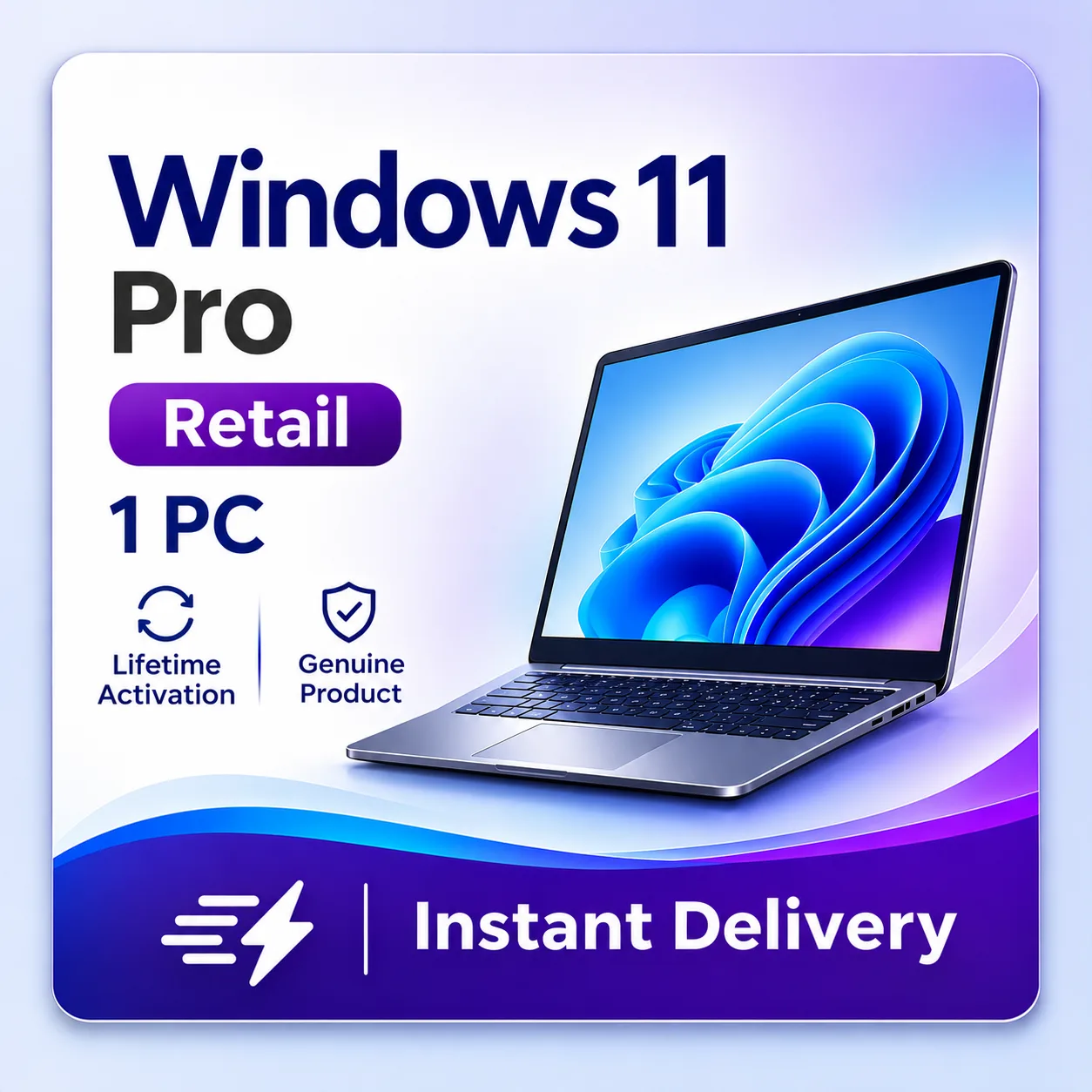
Windows 11 Pro license key with digital delivery by email — BitLocker, Hyper-V, and Remote Desktop included. This is a Retail license for 1 PC/Device with Online Activation and Lifetime validity. Your key is delivered by email within 24 hours of payment, and every order is covered by our 10-day replacement guarantee.
Compatible with
All prices are in USD.
Payable Price
Quantity
| Quantity | Price per Unit | You Save |
|---|---|---|
| 5 - 9 | $13.00 | $2.00 per key |
| 9 - 19 | $10.00 | $5.00 per key |
| 19+ | $7.00 | $8.00 per key |
The more you add quantity, the more you save.
Windows 11 Pro License Key
4.7(163 reviews)
You Save $285.00
Windows 11 Pro is the business-ready edition of Windows, with BitLocker, Hyper-V, Remote Desktop and domain join on top of everything in Home. It is part of our Windows license keys range, delivered as a digital license key that you activate in Windows itself.
Windows Pro is the sensible choice for freelancers, small offices, developers and anyone who works from home on a company network. You get the protection and management tools that Home leaves out, without paying for Enterprise.
Windows Security and Windows Hello are joined by BitLocker drive encryption, so a lost laptop does not mean lost data.
Microsoft keeps the supported releases patched, so a licensed copy stays protected as threats change.
Remote Desktop, Hyper-V virtual machines, Windows Sandbox and Group Policy let you work, test and administer from one machine.
Enter the key under Settings › System › Activation, or with the slmgr command line. No special tools are needed.
| Feature | Home | Pro | Enterprise |
|---|---|---|---|
| Windows Security and Windows Hello | Yes | Yes | Yes |
| Drive encryption | Device encryption (supported hardware) | BitLocker | BitLocker |
| Hyper-V virtualization | No | Yes | Yes |
| Remote Desktop (host) | No | Yes | Yes |
| Domain or Microsoft Entra join, Group Policy | No | Yes | Yes |
| Windows Sandbox | No | Yes | Yes |
| Credential Guard, AppLocker | No | No | Yes |
| Maximum RAM | 128 GB | 2 TB | 6 TB |
| Typical licensing | Retail or OEM | Retail or OEM | Volume licensing |
Retail license. A standard single-user license key.
This listing covers 1 PC.
Windows 11 Pro has the following headline requirements. Processor: 1 GHz or faster with 2 or more cores, 64-bit (Windows 11); 1 GHz (Windows 10); Memory: 4 GB RAM (Windows 11); 2 GB for 64-bit Windows 10; Storage: 64 GB or larger (Windows 11); 20 GB for 64-bit Windows 10. The full list is in the System Requirements tab above. Check Microsoft's lifecycle page for the exact support dates of this edition.
| Specification | Detail |
|---|---|
| Product | Windows 11 Pro |
| Listing | Windows 11 Pro License Key |
| License model | Retail license |
| Covers | 1 PC |
| Term | Perpetual license (one-time purchase) |
| Delivery | License key delivered by email instantly & in some cases within 24 hours of payment for sure |
| Publisher | Microsoft |
Every order is digital, so nothing is shipped. Your license key is sent by email instantly & in some cases within 24 hours of payment for sure, and you can follow the order in your account. Read our delivery information and refund policy before you order, see how it works, browse the FAQ, or contact support with any question about Windows 11 Pro. You can also explore the whole shop.
Microsoft, Windows, Office, Visual Studio and related names are trademarks of their owners. DigitalKeyWorld is an independent reseller.
To use Windows 11 Pro you need:
| Requirement | Detail |
|---|---|
| Processor | 1 GHz or faster with 2 or more cores, 64-bit (Windows 11); 1 GHz (Windows 10) |
| Memory | 4 GB RAM (Windows 11); 2 GB for 64-bit Windows 10 |
| Storage | 64 GB or larger (Windows 11); 20 GB for 64-bit Windows 10 |
| Firmware | UEFI with Secure Boot, and TPM 2.0 (Windows 11 only) |
| Internet | Needed to activate and to receive updates |
See our guides on Windows system requirements and upgrading to Windows 11.
More help: How to Activate Windows, Windows Editions Explained, Retail vs OEM License, Windows System Requirements, Upgrade to Windows 11.
Still stuck? Contact support with your order number and we will help.
Alex Kumar
22/09/2026★★★★★
Exactly as described
The product is exactly what the page promised: genuine Windows 11 Pro key, instant email delivery and a lifetime license. No hidden extras or surprises.
Chloe Young
21/09/2026★★★★★
Top quality service
Professional store with quick delivery. My Windows 11 Pro key worked immediately and the replacement guarantee gives extra peace of mind.
Omar Johnson
20/09/2026★★★★★
Superb service
Ordered late at night and the key was in my inbox before I had closed the checkout page. Activated right away. Fantastic.
Sam Cook
17/09/2026★★★★★
Quick delivery, real key
Got the license key almost instantly after payment. Activation was quick and painless. Trustworthy seller, would buy from again.
Mohammed Taylor
16/09/2026★★★★★
Worked instantly
Ordered, got the key by email straight away, entered it and done. No errors, no waiting. Highly recommend this store.
Rahul Hall
14/09/2026★★★★★
Would buy again
Painless purchase and instant activation. I have already recommended this shop to two colleagues who needed licenses as well.
Liam Nguyen
12/09/2026★★★★★
Everything worked first time
Clear instructions, fast email, working key. I use Windows 11 Pro for work and it has been stable and fully activated since day one.
Ryan Young
09/09/2026★★★★★
Fantastic deal
Unbeatable price for a legitimate license. The key activated instantly and I have had no problems since. Thank you!
Grace Adams
04/09/2026★★★★★
Excellent value
Genuine license at a fraction of the official price. Activation was instant and Settings now shows the product as permanently activated. Very happy.
Carlos Cook
02/09/2026★★★★★
100% legit key
I was a bit nervous buying a key online, but this one is completely genuine. Windows 11 Pro activated without any issue and updates are working fine.
Share your experience with other buyers.
Order securely
Add the key to your cart and pay with PayPal or card.
Get your key by email
Your license key is delivered to your inbox right after payment.
Activate and enjoy
Enter the key to activate Windows 11 Pro License Key and you are done.
10-day replacement guarantee
Based on 163 reviews
The product is exactly what the page promised: genuine Windows 11 Pro key, instant email delivery and a lifetime license. No hidden extras or surprises.
22/09/2026
Still have questions? Contact our support
A step-by-step guide to activating Windows 10 or 11 with a genuine product key.
Read more GuideMinimum and recommended hardware specs for installing Windows 10 and Windows 11.
Read more GuideWhat the difference is between a Retail and OEM Windows license, and which one is right for you.
Read more GuideHow to check eligibility and upgrade a Windows 10 PC to Windows 11.
Read more GuideFixes for the most common Windows activation and installation issues.
Read more GuideThe differences between Windows Home, Pro, and Enterprise editions.
Read more


