DigitalKeyWorld

Key features

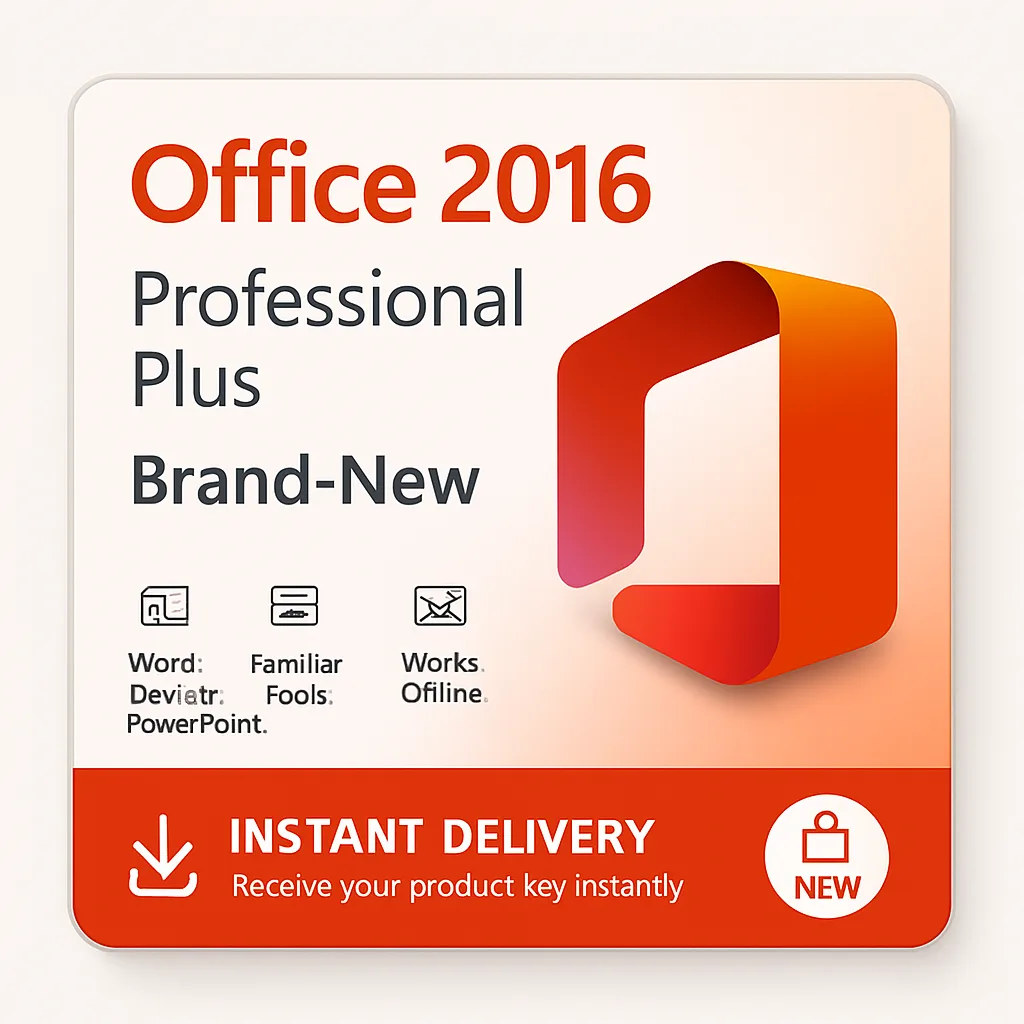
  • Includes Word, Excel, PowerPoint, Outlook, OneNote, Publisher and Access
  • One-time purchase with no subscription
  • For Windows PCs, licensed for 5 devices
  • Apps are installed locally and work offline
  • Online activation

Key Specifications

Product Type
Digital License Key
License Type
Retail
Devices
5 PCs/Devices
Activation
Online Activation
Validity
Lifetime
Delivery
Manual (Admin Assigned)
Publisher
Microsoft

All prices are in USD.

Price

$25.00
44% OFF$45.00You Save $20.00

Quantity

1
10 Days ReplacementHassle free replacement
100% Secure CheckoutYour payment is safe with us
Powered by PayPal. We accept Visa, Mastercard, American Express and Discover.

Office 2016 Professional Plus 5 PC – Online Activation

$45.00$25.00

You Save $20.00

Instant Delivery
100% Genuine Keys
Secure Checkout
24/7 Expert Support

About Office 2016 Professional Plus 5 PC – Online Activation

Office 2016 Professional Plus is the one-time-purchase version of Microsoft Office 2016 that includes Word, Excel, PowerPoint, Outlook, OneNote, Publisher and Access. You pay once, install the apps on your Windows PC and keep them: there is no monthly or annual subscription and nothing to renew. It sits in our Office 2016 range.

Professional Plus is the full Office desktop suite, adding Publisher and Access to the core apps and covering commercial use. Your license key is delivered by email, together with the official download and activation instructions.

What you get with Office 2016 Professional Plus 5 PC – Online Activation

  • A license key for Office 2016 Professional Plus covering 5 PCs
  • The official download link and activation instructions, sent by email
  • Your key also saved in your account under License Key
  • Email support for activation questions
  • A license you can use on up to 5 PCs

Why choose Office 2016 Professional Plus?

Pay once, keep it

Office 2016 is a perpetual license. There is no recurring fee, so the cost is the same whether you use it for a year or for ten.

Works offline

The apps live on your computer. You can write, calculate and present without an internet connection, and only need to be online to install and activate.

The apps you already know

Word, Excel, PowerPoint, Outlook, OneNote, Publisher and Access keep the familiar Office look, file formats (.docx, .xlsx, .pptx) and keyboard shortcuts, so documents open the same way for colleagues and clients.

Fast, clear activation

Download the installer from the official link, enter the key and activate. We email the steps with your key.

Who is Office 2016 Professional Plus for?

  • Businesses that need Access and Publisher as well
  • Power users and finance teams
  • Anyone who wants the full Office desktop suite without a subscription

Office 2016 editions compared

Home & StudentHome & BusinessProfessional Plus
Word, Excel, PowerPoint, OneNoteYesYesYes
OutlookNoYesYes
Publisher and Access (PC only)NoNoYes
Commercial useNo — personal useYesYes
Mac versionYesYesNot offered

About this license

Online activation. You install the software, enter the key and activate over the internet. There is no phone call or extra account step.

This listing covers 5 PCs.

Tips before you buy Office 2016 Professional Plus

  • Remove any older or trial Office before you install.
  • Use the Microsoft account you want to keep when the key is a bind key.
  • Pick the edition that includes Outlook if you need email and calendars.
  • Install the version (PC or Mac) that matches your computer.

How ordering Office 2016 Professional Plus works

  1. Add Office 2016 Professional Plus 5 PC – Online Activation to your cart and check out securely with PayPal or a card.
  2. We email your license key together with the official download link and activation steps.
  3. Install the software and enter the key. The activation steps are in the Installation Guide tab.
  4. Need help? Contact support with your order number.

Compatibility and requirements

Office 2016 Professional Plus has the following headline requirements. Operating system: Windows 7 SP1 or later; for Mac, a macOS version supported by Office 2016 for Mac; Processor: 1 GHz or faster; Memory: 2 GB RAM. The full list is in the System Requirements tab above. Microsoft ended support for Office 2016 and Office 2019 on 14 October 2025. The software keeps working, but it no longer receives security updates.

Product specifications

SpecificationDetail
ProductOffice 2016 Professional Plus
ListingOffice 2016 Professional Plus 5 PC – Online Activation
License modelOnline activation
Covers5 PCs
PlatformWindows PC
TermPerpetual license (one-time purchase)
DeliveryLicense key delivered by email instantly & in some cases within 24 hours of payment for sure
PublisherMicrosoft

More from our Office 2016 range

Other sizes and license types of Office 2016 Professional Plus

Other versions

Often bought together

Guides that help

Buy Office 2016 Professional Plus from DigitalKeyWorld

Every order is digital, so nothing is shipped. Your license key is sent by email instantly & in some cases within 24 hours of payment for sure, and you can follow the order in your account. Read our delivery information and refund policy before you order, see how it works, browse the FAQ, or contact support with any question about Office 2016 Professional Plus. You can also explore the whole shop.

Microsoft, Windows, Office, Visual Studio and related names are trademarks of their owners. DigitalKeyWorld is an independent reseller.

System requirements

To use Office 2016 Professional Plus you need:

RequirementDetail
Operating systemWindows 7 SP1 or later; for Mac, a macOS version supported by Office 2016 for Mac
Processor1 GHz or faster
Memory2 GB RAM
Disk space3 GB available
InternetNeeded to download, install and activate
  • Microsoft ended support for Office 2016 and Office 2019 on 14 October 2025. The software keeps working, but it no longer receives security updates.

How to activate Office 2016 Professional Plus 5 PC – Online Activation

  1. Download Office using the official link we email you.
  2. Install Office and open any Office app.
  3. Enter the product key when asked, or redeem it as described in the delivery email.
  4. Wait for the confirmation that Office is activated, then restart the app.

If activation does not work

  • Make sure you downloaded the installer for the correct edition and for your operating system.
  • Remove any older Office trial or preinstalled version before installing, then try activation again.
  • Use the same Microsoft account every time when the key is a bind key.
  • If the key is rejected, contact support with your order number and a screenshot of the message.

More help: How to Activate Microsoft Office, Office Editions Explained, Retail vs OEM License.

Still stuck? Contact support with your order number and we will help.

All Reviews (0)

No reviews yet. Be the first to review this product.

Write a review

Share your experience with other buyers.

Your rating
Excellent

Not published. Used to confirm verified purchases.

Not published. Only used if we need to follow up on your review.

0/2000

Loading…

Type the letters and numbers shown in the image.

How It Works

How ordering works
  1. 1

    Order securely

    Add the key to your cart and pay with PayPal or card.

  2. 2

    Get your key by email

    Your license key is delivered to your inbox right after payment.

  3. 3

    Activate and enjoy

    Enter the key to activate Office 2016 Professional Plus 5 PC – Online Activation and you are done.

10-day replacement guarantee

Customer Reviews

No reviews yet.

Frequently Asked Questions

Still have questions? Contact our support

Guides & Articles About Office 2016 Professional Plus 5 PC – Online Activation

Related Products

View all license keys