
Microsoft sells Office in two ways: a one-time purchase (Office 2021, Office 2024) and a subscription (Microsoft 365). They use the same apps, so the real decision is how you want to pay and how long you want updates. This guide compares them on the points that matter when you buy.
How-To & Comparisons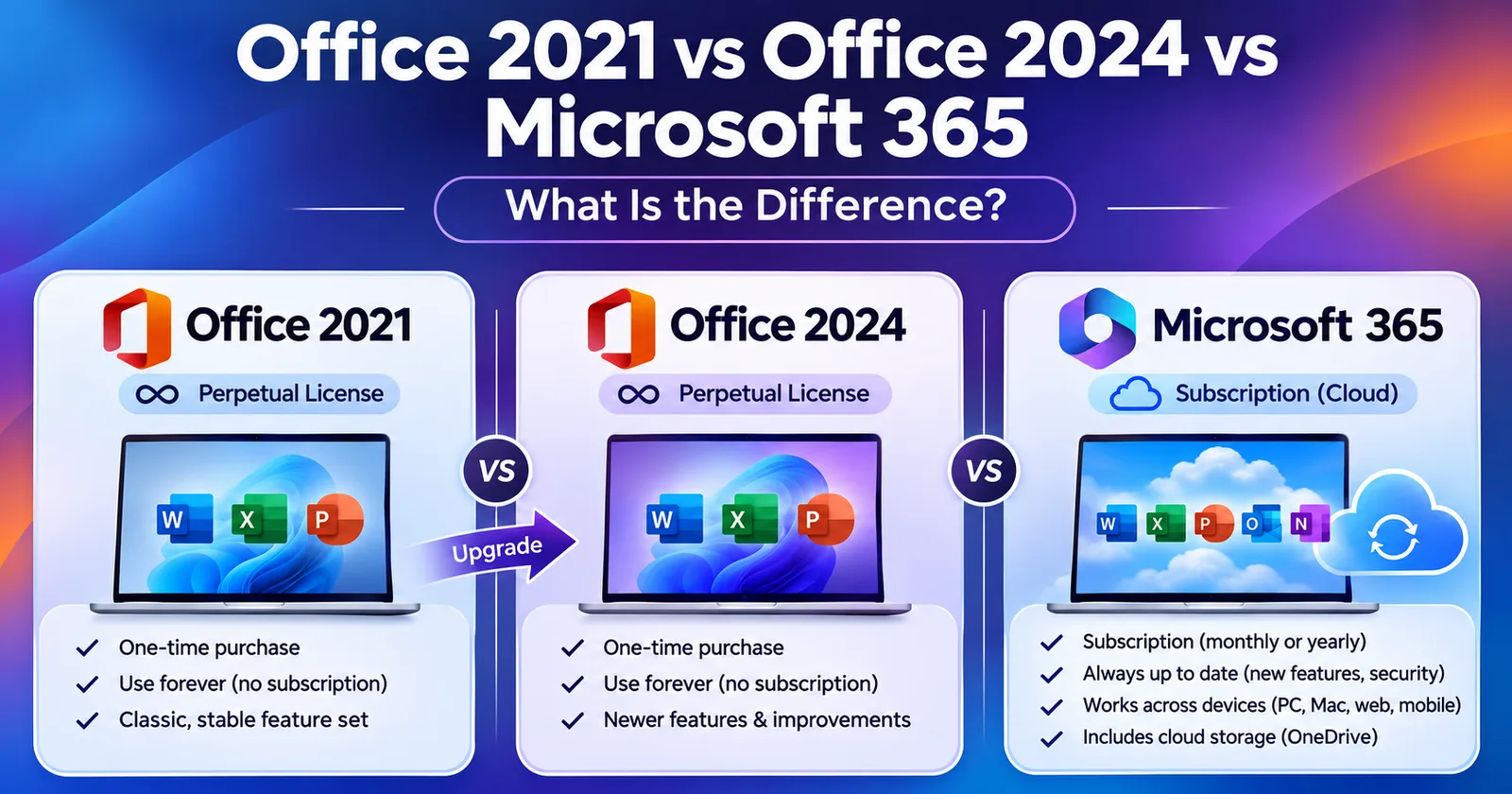
Office 2021 vs Office 2024 vs Microsoft 365: What Is the Difference?
One-time Office 2021 and Office 2024 compared with the Microsoft 365 subscription: price model, updates, support dates and which one fits you.
Written by Sujeet Kumar, with 12 years of experience at DigitalKeyWorld.
Direct Answer
Office 2021 and Office 2024 are one-time purchases for one PC with no new features after release. Microsoft 365 is a yearly subscription that adds new features continuously and includes cloud storage. Choose Office 2024 for a one-time purchase with the longest support, and Microsoft 365 if you want the newest features on several devices.
How Office 2021, Office 2024 and Microsoft 365 differ
| Office 2021 | Office 2024 | Microsoft 365 | |
|---|---|---|---|
| How you pay | One time | One time | Yearly subscription |
| New features after release | No, security fixes only | No, security fixes only | Yes, continuously |
| Core apps | Word, Excel, PowerPoint, Outlook (edition dependent) | Word, Excel, PowerPoint, Outlook (edition dependent) | Word, Excel, PowerPoint, Outlook and more |
| Cloud storage | No | No | Yes, OneDrive storage included |
| Devices | 1 PC or Mac | 1 PC or Mac | Several devices, depending on the plan |
What a one-time purchase means
Office 2021 and Office 2024 are bought once and installed on one PC (or one Mac, for the Mac editions). You pay no yearly fee, and the apps work offline after activation. They receive security updates until their support end date, but they do not receive new features. For most home users, students and small offices that only need Word, Excel and PowerPoint, this is the cheapest way to own Office.
What Microsoft 365 adds
Microsoft 365 is a subscription. It keeps the apps up to date with the newest features, includes OneDrive cloud storage, and its plans cover several devices. It costs more over time, and the apps stop being fully usable if the subscription ends. Choose it if you use Office on a phone, a tablet and a PC, or if you want the latest features as soon as Microsoft releases them. Browse Microsoft 365 and Office 365 products.
Support dates: why the edition matters
Each Office edition has a support end date after which it receives no security updates. Office 2019 reached its end of support in October 2025, Office 2021 follows in October 2026, and Office 2024 is supported for several more years. Microsoft lists the exact date for every edition on its lifecycle page, which is linked in the sources below. A newer edition therefore protects you for longer.
Which one should you choose
- One PC, no subscription, longest support: choose Office 2024. See all Office 2024 license keys.
- One PC and a lower price: Office 2021 still works, but check its support date first.
- Several devices and the newest features: choose Microsoft 365.
To activate Office after you buy, follow the steps in the Office activation guide. If you are still deciding between products, Which Microsoft product do you need? walks through the choice.
Frequently asked questions
Is Office 2024 better than Office 2021?
Office 2024 is newer: it adds improvements to Excel, Outlook and PowerPoint and has a later support end date. Both are one-time purchases, and both include the core apps (Word, Excel, PowerPoint, Outlook).
Do I need an internet connection to use Office 2021 or Office 2024?
You need one to download, install and activate. Afterwards the apps work offline, and they do not need a subscription.
What happens when Office 2021 support ends?
Microsoft stops releasing security updates for it. The apps keep working, but they no longer receive fixes, so a supported edition is the safer choice for anything connected to the internet.
Pro Tip
Check the support end date of the edition before you buy. Microsoft publishes it on its lifecycle page, and an older edition stops receiving security updates on that date.
Stay Updated
Get the latest tips, guides and exclusive offers straight to your inbox.