
Windows can be installed and working but not activated. Activation is what proves your copy of Windows is licensed, and an unactivated copy shows a watermark and locks some personalization settings. These are the fastest ways to check the state on Windows 10 and Windows 11.
How-To & Comparisons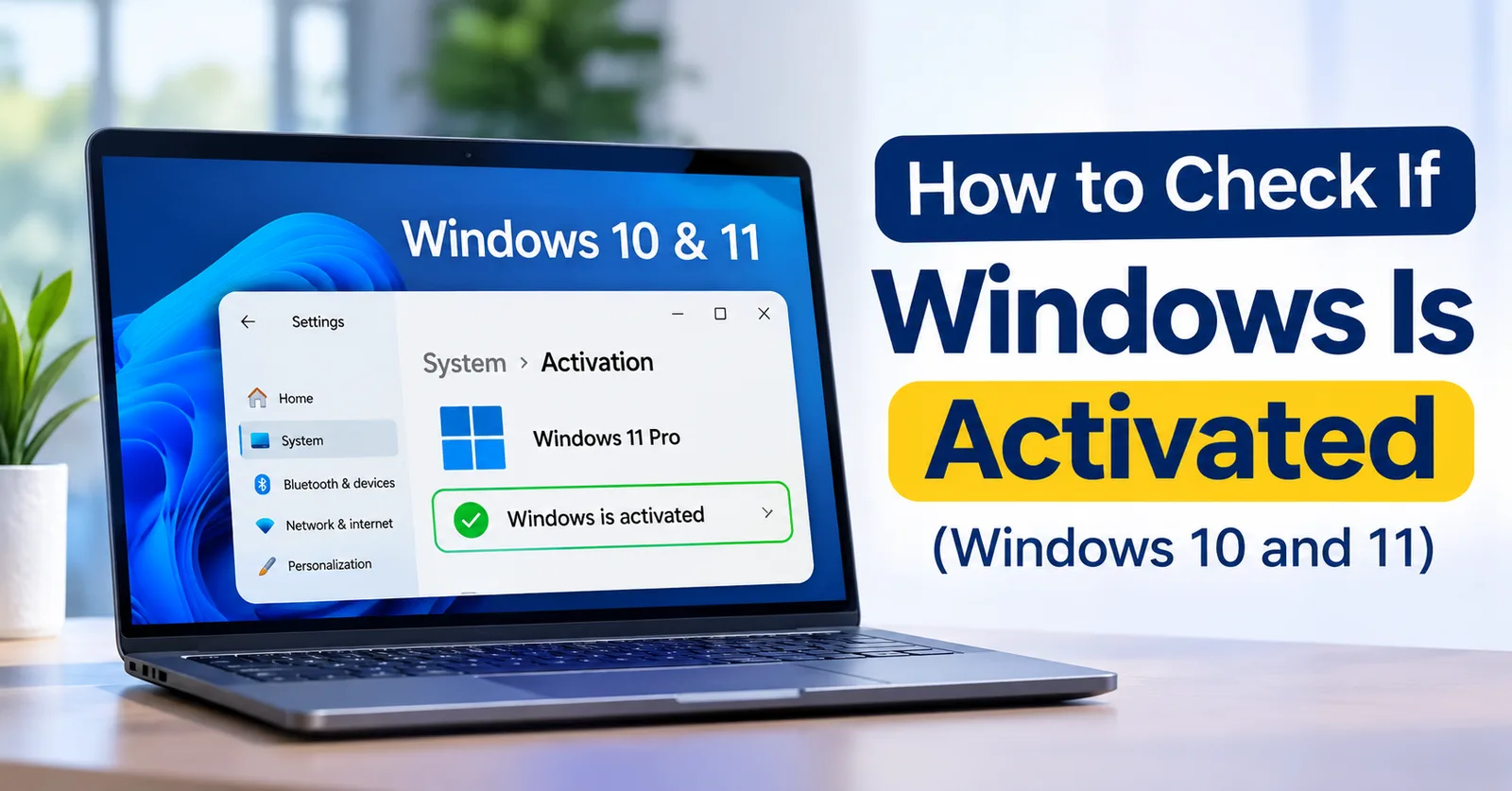
How to Check If Windows Is Activated (Windows 10 and 11)
Three quick ways to see whether Windows is activated: the Settings page, the slmgr /xpr command and the license details, with what each message means.
Written by Sujeet Kumar, with 12 years of experience at DigitalKeyWorld.
Direct Answer
Open Settings, go to System, then Activation, and look at Activation state. If it says Active, Windows is activated. You can also open Command Prompt and run slmgr /xpr to see whether the activation is permanent.
Check activation in Settings (the easiest way)
On Windows 11, open Settings, choose System, then Activation. On Windows 10, open Settings, choose Update and Security, then Activation. The line Activation state tells you the answer: Active means Windows is activated, and Not active means it is not. Under it you will see whether Windows is activated with a digital license, and whether that license is linked to your Microsoft account.
Check with the slmgr /xpr command
Open the Start menu, type cmd, and open Command Prompt. Run the command slmgr /xpr. A small window appears. If it says The machine is permanently activated, activation is permanent and will not expire. Some volume licenses show an expiry date instead, which means they must renew. This is the same check IT staff use on many PCs.
See which edition and key are in use with slmgr /dli
Run slmgr /dli in Command Prompt. The window shows the Windows edition (for example Windows 11 Pro), the license status (Licensed) and the last five characters of the installed product key. Match those last five characters against the key in your order email to confirm that the key you bought is the one in use. Run slmgr /dlv for the longer version of the same details.
What each activation message means
- Windows is activated with a digital license: the PC is licensed and linked to Microsoft's servers.
- Windows is activated with a digital license linked to your Microsoft account: the same, and you can reactivate after a hardware change by signing in.
- Windows reported that no product key was found: Windows is not activated, so enter a key.
- An error code such as 0xC004F050: the key was rejected. The meaning of each code is in Windows activation error codes and how to fix them.
If Windows is not activated
Enter your product key under Settings, System, Activation, Change product key. The full steps are in How to Activate Windows 11: Step-by-Step Guide. If you still need a key, browse the genuine Windows license keys with instant email delivery.
Frequently asked questions
What does Windows is activated with a digital license mean?
It means Windows is linked to your PC's hardware with Microsoft, so no product key needs to be typed again after a reinstall on the same PC.
Can Windows be installed but not activated?
Yes. An unactivated copy still runs, but it shows an Activate Windows watermark, and some personalization settings are locked until you enter a valid key.
Pro Tip
A watermark in the corner of the screen saying Activate Windows is the quickest sign that Windows is not activated.
Sources & References
Stay Updated
Get the latest tips, guides and exclusive offers straight to your inbox.