
An activation error does not mean Windows is broken. It means Windows could not confirm that the key you entered is valid for this PC. This guide lists the most common error codes, says what each one means, and gives the fix, so you can resolve most of them yourself in a few minutes.
How-To & Comparisons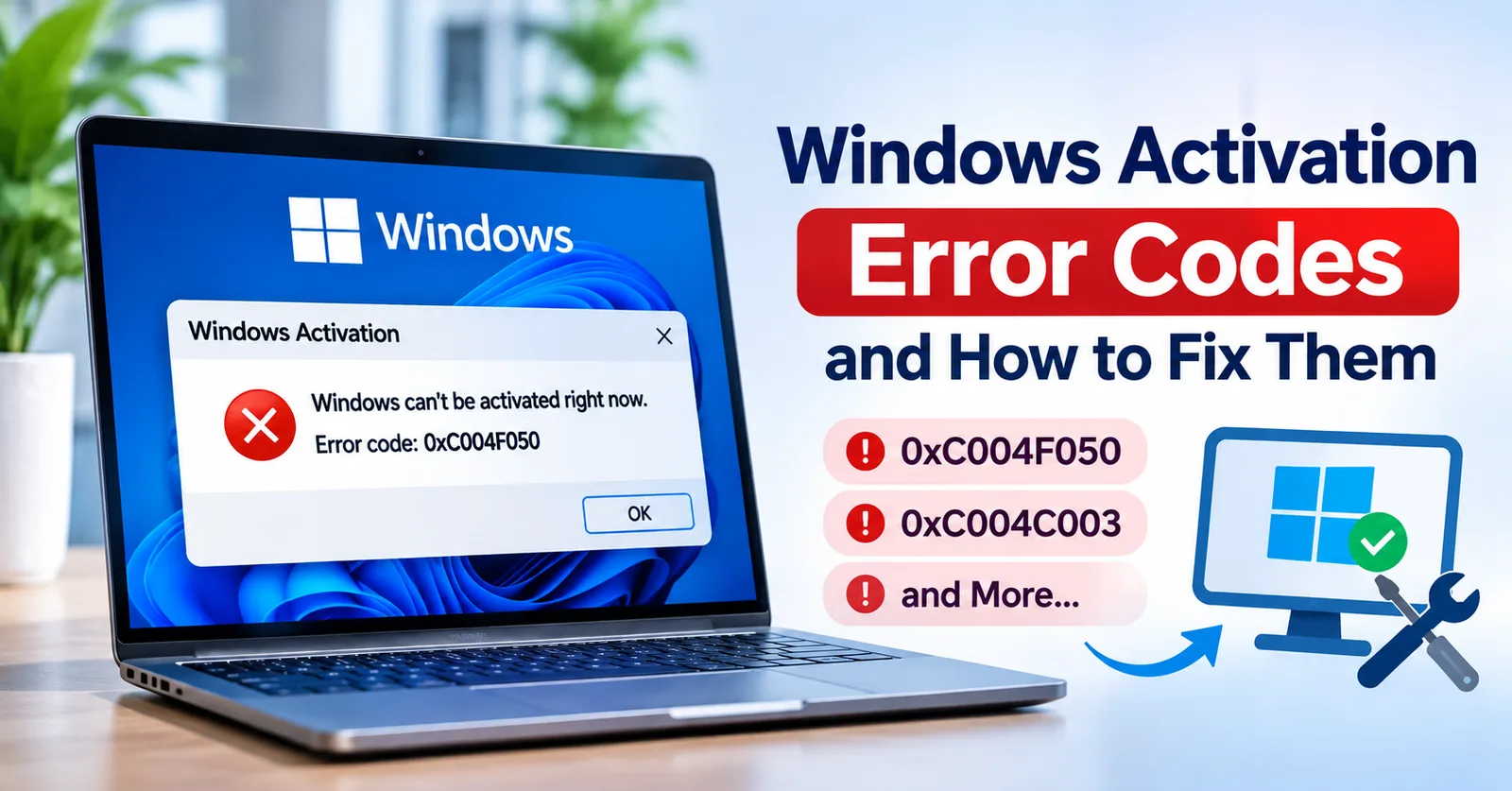
Windows Activation Error Codes and How to Fix Them (0xC004F050, 0xC004C003 and More)
What the common Windows activation errors mean (0xC004F050, 0xC004C003, 0x803F7001, 0xC004F074, 0x8007232B, 0x80072F8F) and the fix for each.
Written by Sujeet Kumar, with 12 years of experience at DigitalKeyWorld.
Direct Answer
Most Windows activation errors have one of three causes: the key does not match the installed edition (0xC004F050), the key was rejected or already used (0xC004C003, 0xC004C008), or Windows cannot reach the activation server (0x80072F8F, 0xC004F074, 0x8007232B). Check the edition, the key and the internet connection first.
Start with these three checks
- Check the edition. Open Settings, System, About. A key only activates the edition it was sold for: a Windows 11 Pro key does not activate Windows 11 Home until the PC is upgraded.
- Check the key. Retype it slowly. Zero and the letter O, and one and the letter I, are easy to confuse.
- Check the connection. Activation needs the internet, and the date, time and time zone must be correct.
Error 0xC004F050: the key does not match this edition
Error 0xC004F050 means the product key is not valid for the Windows edition that is installed. Fix it by confirming the edition under Settings, System, About, then entering a key made for that edition. If you bought a Pro key and have Home installed, use the upgrade route in How to upgrade Windows 11 Home to Pro.
Error 0xC004C003: the key was rejected
Error 0xC004C003 means the activation server reports that the key is blocked or cannot be used. Retype the key to rule out a typing error, then contact the seller with your order number. A genuine seller replaces a key that Microsoft rejects.
Error 0xC004C008: the key cannot be used on this PC
Error 0xC004C008 usually means the key has already been used on another PC. OEM licenses stay with the first PC they are activated on, which is explained in Retail, OEM, Volume and Bind Licenses Explained. Contact the seller if you did not use the key before.
Error 0x803F7001: no valid digital license was found
Error 0x803F7001 means Windows has no license on record for this PC. It often appears after a clean install or a hardware change. Enter your product key under Settings, System, Activation, or run the Activation troubleshooter and choose that you changed the hardware on this device recently.
Errors 0x80072F8F, 0xC004F074 and 0x8007232B: Windows cannot reach the activation server
Error 0x80072F8F points to a connection or date problem: correct the date, time and time zone, then try again on a different network. Errors 0xC004F074 and 0x8007232B mean Windows is trying to contact a company activation server (KMS) that does not exist for you. Re-enter your own product key with the command slmgr /ipk followed by your key, then run slmgr /ato to activate.
Still not working?
Contact the seller with your order number, the exact error code and a screenshot. At DigitalKeyWorld, every key is backed by a replacement guarantee, and the process is on the refund and replacement policy page; you can contact support at any time. For a full walk-through of activation itself, read Windows 11 Activation: A Quick Troubleshooting Guide.
Frequently asked questions
What does error 0xC004F050 mean?
It means the product key you entered cannot be used with the edition of Windows installed. The usual cause is a key for a different edition, for example a Pro key entered on a PC running Windows Home that is not yet upgraded, or a mistyped key.
How do I run the Windows activation troubleshooter?
Open Settings, go to System, then Activation. If Windows is not active, select Troubleshoot and follow the prompts.
Should I contact the seller if the key fails?
Yes. Send your order number, the exact error code and a screenshot of the Activation page. A genuine seller should replace or fix a key that fails to activate.
Pro Tip
Write down the exact error code and the edition shown under Settings, System, About before contacting support. These two details solve most cases in one reply.
Sources & References
Stay Updated
Get the latest tips, guides and exclusive offers straight to your inbox.